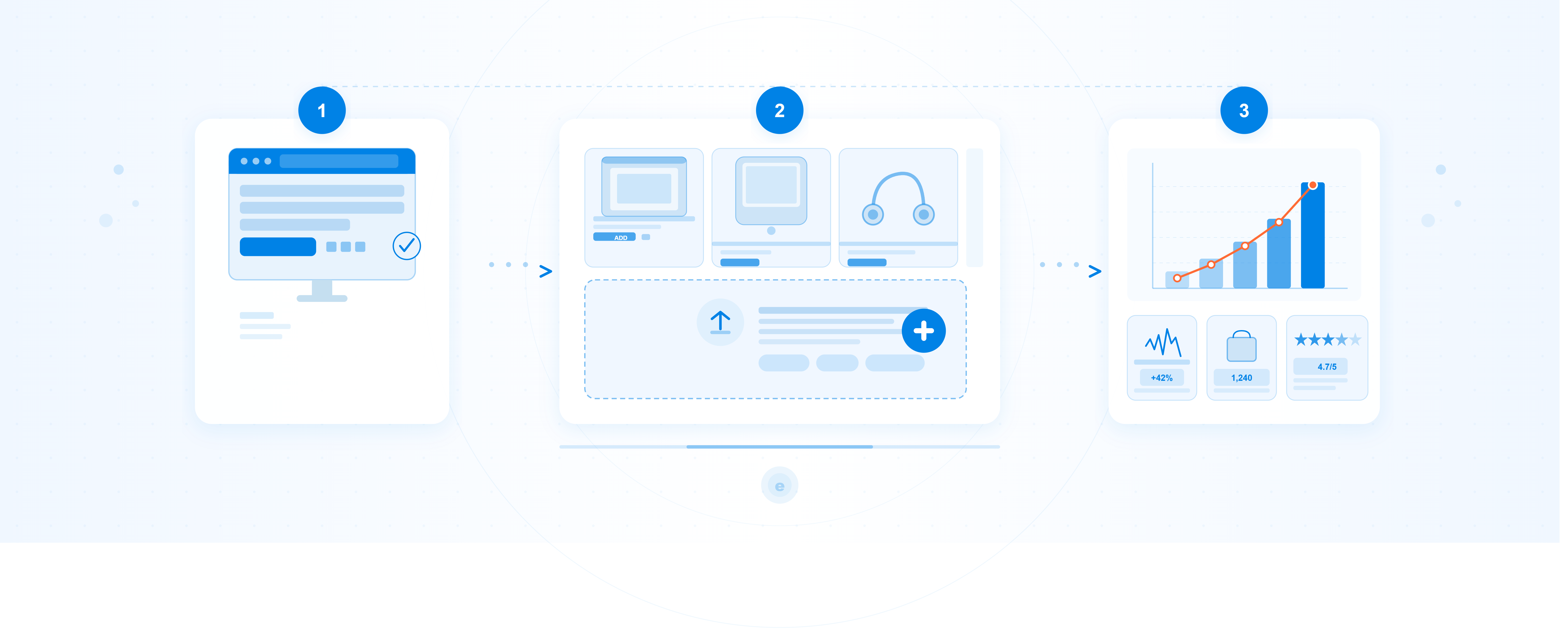
În acest ghid, găsești detalii despre pașii pe care trebuie să îi parcurgi pentru a începe să vinzi pe eMAG Marketplace
Cum te înscrii pe eMAG Marketplace
PAS 1 – Inițierea cererii de înscriere
Intră aici şi completează câteva informații de bază:
- Țara în care e înregistrată compania ta
- Codul de identificare fiscală (CUI / CIF)
- Adresa de email a companiei
- Numărul de telefon
Documente pe care trebuie să le ai la îndemână
- CI sau Pașaport al reprezentantului legal al societății, cel care va semna contractul cu eMAG
- Actul Constitutiv sau Statutul Societății (Actualizat, dacă au intervenit modificări în structura societății)
- Certificat de înregistrare de la Registrul Comerțului
- Certificat TVA în cazul în care societatea este înregistrată ca plătitoare de TVA
- Extras de cont bancar din care să reiasă numele societății sau CUI-ul
- Factura de utilități sau orice document doveditor al posesiei / existenței sediului social sau punct de lucru
PAS 2 – Informații societate
Date societate
Completează exact cum apar în documentele oficiale ale companiei:
Câmp | Ce completezi |
Țara sediu social | Selectează țara în care e înregistrată compania. |
Nume societate | Denumirea completă, exact ca în actele oficiale. |
Tipul societății | SRL, SA, SNC, SCS, SCA, SRL-D, PFA, II, IF sau alt tip de entitate juridică. |
Cod unic de înregistrare | CUI-ul companiei — e precompletat automat din Pasul 1, dar îl poți verifica. |
Plătitor TVA | Alege DA sau NU în funcție de statutul fiscal. |
Adresă livrări/retururi | Bifează dacă vei expedia şi primi retururi de la aceeaşi adresă cu sediul social. |
Producător român | Bifează dacă eşti producător român — poți beneficia de condiții speciale prin Programul Deschide România. |
Profilul afacerii
Alege categoria care descrie cel mai bine ce vinzi — o singură opțiune, cea predominantă în catalogul tău:
- Auto, Travel & Sport
- Consumabile (băcănie, supermarket)
- Electronice-IT
- Fashion
- Casă, Grădină & Bricolaj (mobilier, decorațiuni interioare şi echipamente)
- Media & Jucării (hobby, jucării şi jocuri)
Persoana de contact
Aceasta e persoana cu care echipa eMAG va comunica pentru întrebări despre cont, comenzi sau setări:
- Nume şi Prenume
- Adresă de e-mail
- Număr de telefon
- Dacă persoana de contact e şi reprezentantul legal, bifează opțiunea corespunzătoare
Reprezentant legal
Reprezentantul legal e persoana care semnează documentele oficiale şi reprezintă compania în relația contractuală cu eMAG.
- Nume şi Prenume
- Adresă de e-mail
- Număr de telefon
- Funcția în companie
Când ai terminat, apeşi Pasul următor şi treci la secțiunea de documente.
PAS 3 – Documente şi detalii legale
Ce documente încarci:
Document | La ce să fii atent |
Extras de cont | Trebuie să se vadă clar numele societății sau CUI-ul. Poți folosi şi o captură din aplicația bancară, atâta timp cât datele companiei sunt vizibile. |
Actul constitutiv | Versiunea actualizată, dacă au intervenit modificări în structura societății. |
Certificatul de înregistrare | Certificatul emis de Registrul Comerțului. |
Factură de utilități | Factură la electricitate, gaze sau apă, ori orice alt document care dovedește sediul: contract de comodat, închiriere, titlu de proprietate, contract de asistență juridică anonimizat. |
Numere TVA în UE (opțional)
Dacă firma ta e înregistrată cu numere de TVA şi în alte țări din UE, le poți adăuga aici. Pentru fiecare număr ai nevoie de:
- Numărul TVA
- Certificatul de atestare plătitor TVA emis de autoritatea fiscală națională
Dacă ai mai multe, foloseşte butonul + Adaugă încă un număr TVA.
Dacă firma ta nu este înregistrată cu numere de TVA și în alte țări din UE, selectează “Nu”.
Sedii secundare în UE (opțional)
Dacă firma ta are entități secundare în spațiul UE, completează pentru fiecare:
- Țara entității secundare
- Codul de identificare fiscală
- Dacă e sediu permanent sau nu
- Certificatul de Înregistrare Fiscală emis de autoritatea fiscală națională
Când ai încărcat tot, apeşi Finalizează. Cererea ta va merge către echipa eMAG pentru analiză.
Echipa eMAG verifică documentele tale şi, după avizare, poți începe să îți listezi produsele.
Cum îți pregătești contul pentru a începe să vinzi
Semnarea documentelor legale
Imediat după validare, echipa eMAG Marketplace te ghidează către semnarea:
- Termenilor şi Condițiilor + Anexe
- Acordului GDPR
- Grilei de comision pentru categoriile la care ai acces
Încărcarea primelor produse
Pregăteşte documentația fiecărui produs: descriere, caracteristici, cod EAN, fotografii pe fundal alb. Ca produsul să fie activ pe site, mai ai nevoie de preț, stoc şi status activ. Poți adăuga produsele individual din interfață sau în bulk prin Import XLS sau API. Găsești aici detalii despre fiecare opțiune.
După ce ofertele tale au fost listate și sunt disponibile la vânzare, le poți gestiona din meniul Ofertele Mele. Aici poți actualiza prețurile, stocurile și le poți retrage de la vânzare. Mai multe detalii aici
Cum poți livra comenzile
Livrare la locker (easybox/FANbox)
- Este un serviciu oferit de eMAG tuturor clienților platformei și este gestionat în totalitate prin eMAG Courier.
- Acest serviciu este disponibil pentru toate produsele care sunt eligibile pentru a fi livrate în locker și au dimensiunile potrivite pentru a încapea în sertarele lockerului.
- Costul transportului la locker pe teritoriul României este ZERO, iar pentru livrările Cross-border la locker (în Bulgaria și Ungaria) este de 5 RON.
- Ai grijă să completezi corect volumetria produselor pentru a putea fi livrate în locker.
Livrarea la domiciliu
Este gestionată de către tine și este necesar să colaborezi cu una dintre firmele de curierat înregistrate în platforma eMAG: Sameday, Fan Courier, Cargus sau DPD.
Îți vom trimite datele firmelor de curierat partenere cu care poți lua legătura pentru a putea activa fluxul de expediere colete cu AWB generat rapid, direct din pagina de comandă. Află aici mai multe detalii despre Cum generezi AWB.
Fulfilment by eMAG (FBE)
Varianta recomandată dacă vrei să scalezi rapid şi să te concentrezi pe produse, nu pe logistică: trimite marfa în depozitul eMAG, iar noi ne ocupăm de tot — recepționare, depozitare, ambalare, expediere şi retururi. Mai multe detalii aici.
Familiarizează-te cu sistemul de monitorizare a sănătății contului
Ne dorim să le oferim clienților o experiență la cele mai înalte standarde de calitate, iar din aceste considerente urmărim îndeaproape cât de sănătos sunt gestionați indicatorii cu adevărat importanți în relația cu orice client.
Sănătatea contului reprezintă un raport calitativ al valorilor obținute pentru fiecare indicator de performanță în parte, ce se actualizează constant, ca urmare a experienței de vânzare și a serviciilor oferite clienților.
Mai multe detalii poți găsi aici
Descoperă programele de creștere eMAG
eMAG Genius -pentru clienți, eMAG Genius este un abonament pe care îl plătesc lunar sau anual, care le oferă beneficii premium în patru aplicații: eMAG, Fashion Days, Freshful și Wolt. Pentru selleri, eMAG Genius este șansa de a obține o rată de conversie de două ori mai mare, oferind beneficii precum livrarea gratuită la easybox și retur extins la 60 de zile.
eMAG Ads – un serviciu de publicitate care folosește modelul pay-per-click (PPC), cu ajutorul căruia ai posibilitatea de a-ți scoate în evidență produsele printre milioanele de oferte disponibile în site-ul eMAG.
Campanii eMAG – Participi la evenimentele de cumpărături pe care le organizăm periodic pe site-ul eMAG, oferind clienților discount de preț sau voucher de reducere. Profiți de traficul intens pe care îl aduce publicitatea eMAG.
eMAG Cross-border – Un program creat de eMAG, prin care poți comercializa produse și în celelalte țări în care eMAG este prezent: Bulgaria și Ungaria, cu un pachet complet de susținere care conține traducerea automată a produselor, gestionarea relației cu clienții, curieri integrați și opțiuni de sincronizare a prețurilor și stocurilor.
Fulfilment by eMAG – O soluție logistică completă creată pentru a te ajuta să-ți optimizezi costurile de stocare, procesare și livrare, oferind în același timp o experiență rapidă și de încredere clienților finali.
Deschide România – Programul dedicat exclusiv producătorilor români, care îți oferă acces la comisioane reduse și o semnalizare specială a produselor. Pentru a fi eligibil, cifra de afaceri a companiei trebuie să fie maxim 2 milioane lei, iar producția produselor trebuie să fie exclusiv în România, cu respectarea tuturor normelor și prevederilor legale aplicate fiecărui tip de produs
Unde găseşti ajutor
Asistentul tău virtual Mira este disponibil 24/7 în contul tău eMAG Marketplace și îți poate răspunde rapid la cele mai frecvente întrebări. Dacă situația este mai complexă, discuția este preluată automat de către un coleg care te poate ajuta
Nu uita să verifici și tutoriale din eMAG Academy, care îți arată pas cu pas tot ce trebuie să știi despre gestionarea afacerii tale eMAG Marketplace!
Regulamentul Campaniei “New sellers Q1-Q2 FY27”
Spor la vânzări!